
How to Build a Professional Recording Space For Your Video Podcast
Thu May 2026

Category:
Launching a successful video podcast is no longer just about great audio. Today’s audiences expect sleek visuals, clean lighting, and a viewing experience that feels professional without losing authenticity. Whether you are recording interviews, solo episodes, tutorials, or panel discussions, the right video podcast setup can dramatically improve engagement and production quality.
This guide walks creators through everything needed to build a reliable, scalable recording environment from cameras and microphones to podcast lighting and room layout without overcomplicating the process.
If you are planning a dedicated and tailored podcast, this walkthrough will help you avoid common mistakes while creating a setup that looks sharp on camera and sounds equally impressive.
Why Video Podcasts Matter More Than Ever
Video content now plays a major role in podcast discovery. Platforms such as YouTube, Spotify, TikTok, and LinkedIn increasingly prioritise visual-first content, giving creators more opportunities to reach new audiences beyond traditional audio feeds.
A strong video podcast setup will assist you in the following ways:
- Increase audience retention
- Create short-form clips for social media
- Build stronger personal branding
- Improve perceived authority and trust
- Repurpose episodes into multiple content formats
The good news is you don’t need a television-grade production environment to shoot professional reels, you simply need the right balance of equipment, lighting, acoustics, and workflow.
Step 1: Choose the Right Recording Space
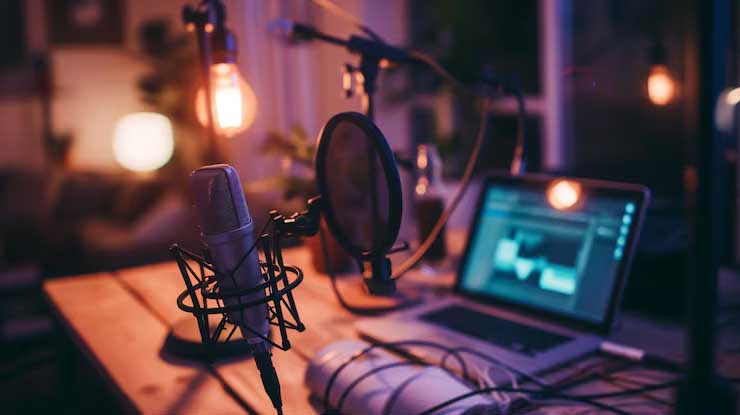
Your dedicated space affects both audio quality and visual presentation.
A small untreated room with echo can instantly make a podcast feel amateur, even if the conversation itself is excellent. Ideally, choose a quiet space with soft furnishings that naturally reduce reverb.
When planning your recording area, consider:
- Background noise from roads, appliances, or neighbouring rooms
- Natural light consistency
- Space for camera positioning
- Power outlets and cable management
- Acoustic control
A dedicated studio environment gives creators more control over consistency, especially when producing regular episodes or hosting guests.
Step 2: Select Your Camera Setup
The camera is often the key of the video podcast setup. This will depend on budget, production style, and the platform goals.
Beginner Options
Many creators start out with:
- High-quality webcams
- Smartphones with 4K capability
- Entry-level mirrorless cameras
These are ideal for solo podcasts or compact desk-based formats.
Intermediate and Professional Options
As production quality becomes more important, creators often move to:
- Mirrorless cameras with interchangeable lenses
- Multi-camera setups
- DSLR systems with clean HDMI output
Look for features such as:
- Continuous autofocus
- 4K recording
- Flip-out screens
- Good low-light performance
- Long recording capability
For interview podcasts, dual-camera angles instantly create a more cinematic viewing experience.
Step 3: Prioritise Audio Before Visuals
Viewers may accept imperfect visuals, but poor sound quality quickly drives audiences away.
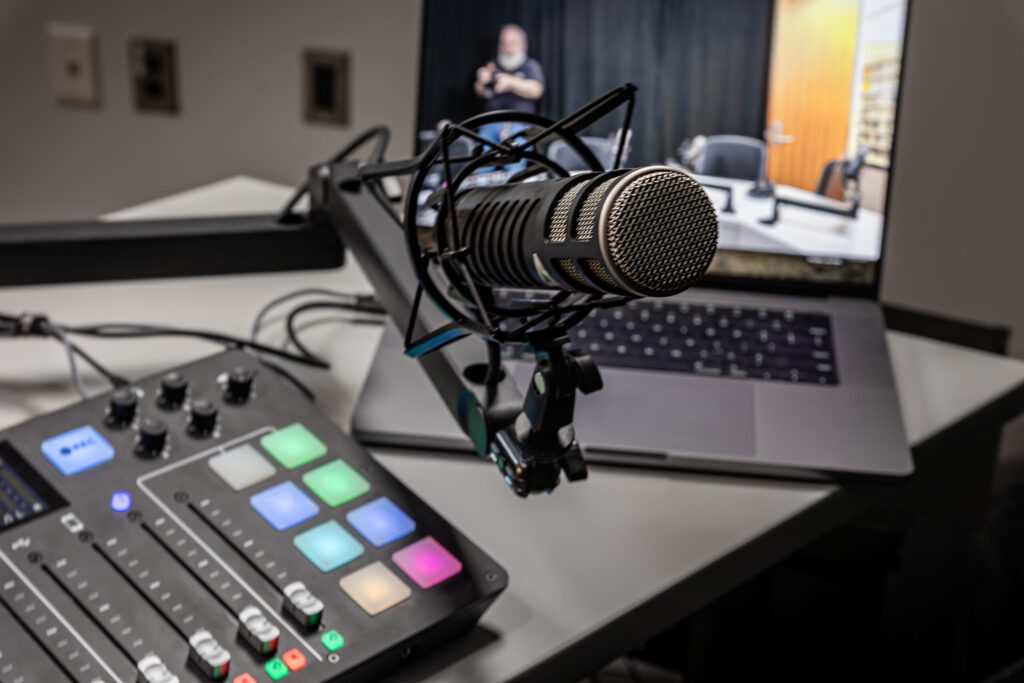
Your microphone should be one of the first investments in your podcast studio setup.
Popular Podcast Microphone Types
USB Microphones
Great for beginners because they connect directly to a computer without additional hardware.
XLR Microphones
Used in more professional environments and paired with audio interfaces or mixers for greater control.
Dynamic vs Condenser Mics
- Dynamic microphones reject background noise more effectively
- Condenser microphones capture more detail but require better acoustic treatment
Take note that for untreated rooms, a dynamic microphone is often the safer choice.
Step 4: Understand Podcast Lighting
Lighting is one of the most overlooked parts of a successful video podcast setup. Even expensive cameras can look poor in bad lighting conditions.
Good podcast lighting improves:
- Skin tones
- Background separation
- Image clarity
- Professional presentation
The Three-Point Lighting Method
Many creators use a simple three-light arrangement:
Key Light
Your main light source positioned slightly off-centre.
Fill Light
Softens shadows created by the key light.
Back Light
Separates you from the background for added depth.
This setup creates a balanced and professional look without appearing overly staged.
Step 5: Improve Your Background and Set Design
Your background subtly communicates your brand identity.
A cluttered or distracting set can reduce viewer focus, while a clean, intentional background helps episodes look the part.
Popular video podcast backgrounds include:
- Shelving with practical décor
- LED accent lighting
- Branded signage
- Minimalist office aesthetics
- Acoustic panel designs
- Natural textures and plants
Avoid overcrowding the frame as simplicity normally works the best on camera.
Step 6: Optimise Your Audio Environment
Even excellent microphones struggle in echo-heavy rooms. while acoustic treatment helps control reflections and improve recording clarity.
Simple Acoustic Improvements
You don’t need a fully engineered studio. Start ouit with the basics:
- Rugs and carpets
- Curtains
- Soft furniture
- Acoustic foam panels
- Bass traps
- Wall-mounted acoustic treatment
Reducing hard reflective surfaces dramatically improves vocal quality.
Step 7: Use Reliable Recording Software
Your recording software acts as the production hub for your podcast.
Popular options include platforms designed for:
- Local video recording
- Remote interviews
- Multi-track audio capture
- Live streaming
- Automated editing workflows
Key features to prioritise:
- Stable recording performance
- Audio-video sync
- Backup recording
- Separate track exports
- Ease of editing
Remember that a reliable workflow saves time and prevents technical issues during production.
Step 8: Plan Camera Framing Properly
Composition matters more than many creators realise, as strong framing makes your content immediately feel more intentional and engaging.
Framing Best Practices
- Position the camera at eye level
- Leave slight headroom above the subject
- Use the rule of thirds
- Maintain consistent framing between episodes
- Avoid overly wide empty spaces
Consistency strengthens brand recognition across platforms.
Step 9: Prepare for Multi-Platform Distribution
A modern video podcast setup should support content repurposing from day one.
Ensure that each recorded episode can be used on:
- YouTube uploads
- TikTok clips
- Instagram Reels
- LinkedIn snippets
- Blog content
- Email marketing assets
- Shorts and teasers
Record in high resolution where possible to give yourself more flexibility during editing.
Step 10: Build a Sustainable Production Workflow
Creators often overspend early on equipment before refining their process. Instead, focus on creating a setup you can comfortably maintain every week. Consistency matters more than perfection.
Your workflow should include:
- Episode planning
- Recording checklists
- File organisation
- Editing templates
- Thumbnail creation
- Publishing schedules
- Backup storage
Efficiency becomes increasingly important as your content output grows.
Common Video Podcast Setup Mistakes
Many creators unintentionally reduce production quality through avoidable errors.
Poor Lighting Placement
Overhead lighting alone often creates harsh shadows and unflattering visuals.
Ignoring Room Echo
Acoustics affect professionalism more than many realise.
Overcomplicated Equipment
Complex setups increase technical problems and slow production.
Weak Internet for Remote Interviews
Unstable connections damage audio and video consistency.
Distracting Backgrounds
Busy or messy sets pull attention away from the conversation.
What Equipment Do You Actually Need?
A practical video podcast setup can start relatively simply.
Essential Starter Equipment
- Camera or webcam
- Microphone
- Headphones
- Basic podcast lighting
- Recording software
- Stable internet connection
- Tripod or mounting solution
You can always expand your setup over time.
Should You Build or Rent a Podcast Studio?
For some creators, recording at home works perfectly. For others, hiring a professional studio offers major advantages.
A professional podcast recording studio can provide:
- Acoustic treatment
- Professional lighting
- Multiple camera angles
- Technical support
- Faster production workflows
- Premium visual quality
- Guest-ready environments
This can be especially valuable for business podcasts, branded content, or interview-driven productions.
What Matters Most
Creating a professional video podcast setup does not always require a massive budget. What matters most is clarity, consistency, and intentional production choices.
Strong audio, effective podcast lighting, clean framing, and a reliable workflow all contribute to a better audience experience. Start with the essentials, improve gradually, and focus on delivering valuable conversations consistently.
As your show grows, your setup can evolve alongside it.
If you are ready to elevate your production quality in a professionally designed environment, consider working from a dedicated podcast studio space tailored specifically for creators.
Video Podcast Setup FAQs
What is the best camera for a video podcast setup?
The best camera depends on your budget and production goals. Many creators begin with webcams or smartphones before upgrading to mirrorless cameras for improved image quality and lens flexibility.
How important is podcast lighting?
Podcast lighting is essential for creating professional-looking video content. Good lighting improves clarity, skin tone accuracy, and overall production value.
Can I start a video podcast from home?
Yes. Many successful creators begin with home setups using basic acoustic treatment, affordable microphones, and simple lighting arrangements.
Do I need a dedicated podcast studio?
Not necessarily. However, a professional podcast studio offers greater control over lighting, acoustics, camera quality, and workflow efficiency.
What microphone is best for beginners?
USB microphones are often the easiest starting point because they connect directly to a computer and require minimal setup.
How do I reduce echo in my recording room?
Soft furnishings, rugs, curtains, and acoustic panels help absorb reflections and improve sound quality significantly.
Is video more important than audio in podcasting?
Audio quality remains the highest priority. Audiences are generally more forgiving of imperfect visuals than poor sound.
What lighting setup works best for podcasts?
A three-point lighting setup using a key light, fill light, and back light creates balanced and professional-looking results.
How long does it take to set up a podcast studio?
A simple setup may take a few hours, while more advanced studios with acoustic treatment and multiple cameras can take several days to configure properly.
Can video podcasts improve audience growth?
Yes. Video podcasts increase discoverability across platforms such as YouTube, TikTok, Instagram, and LinkedIn, helping creators reach wider audiences.